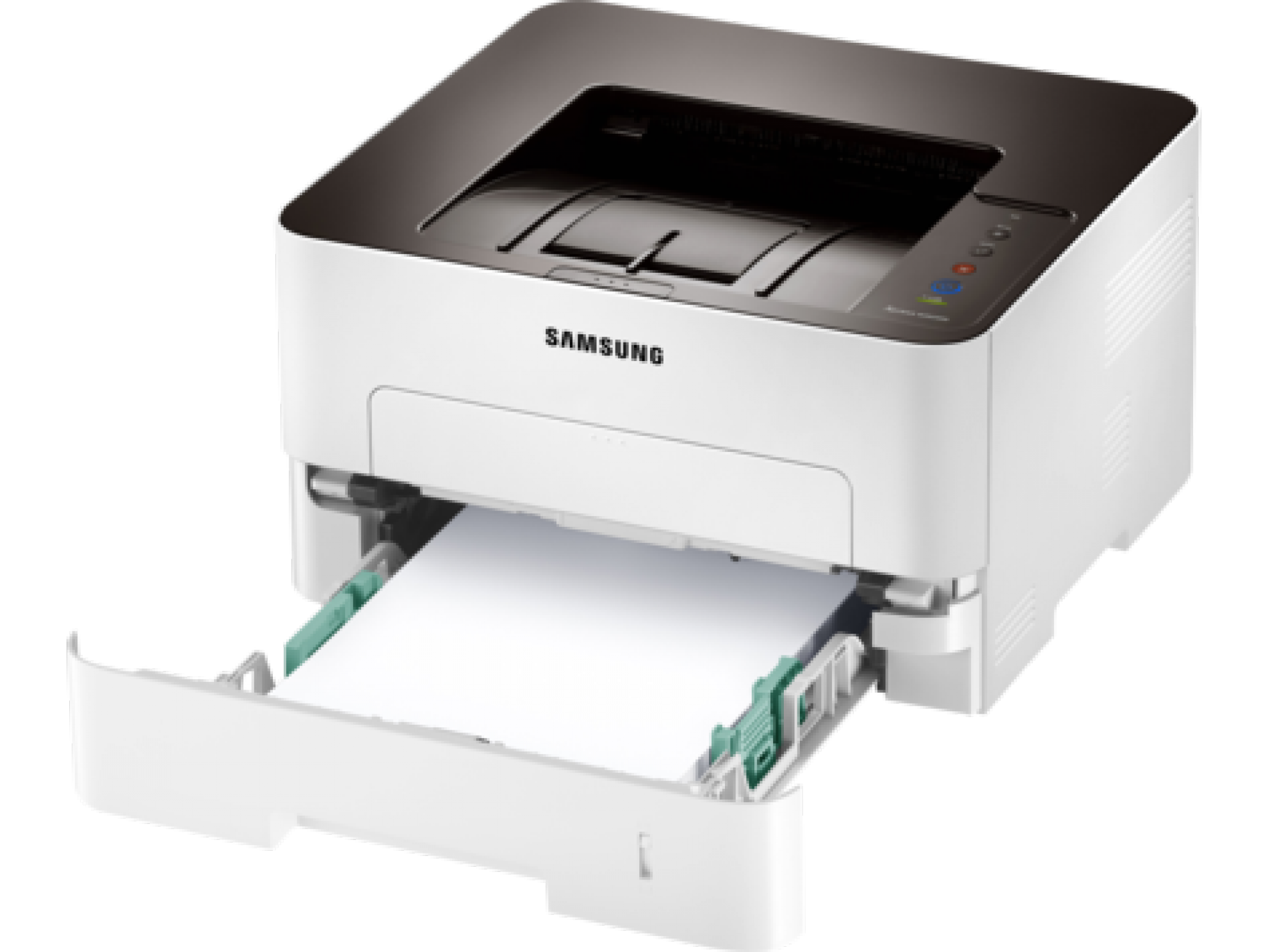
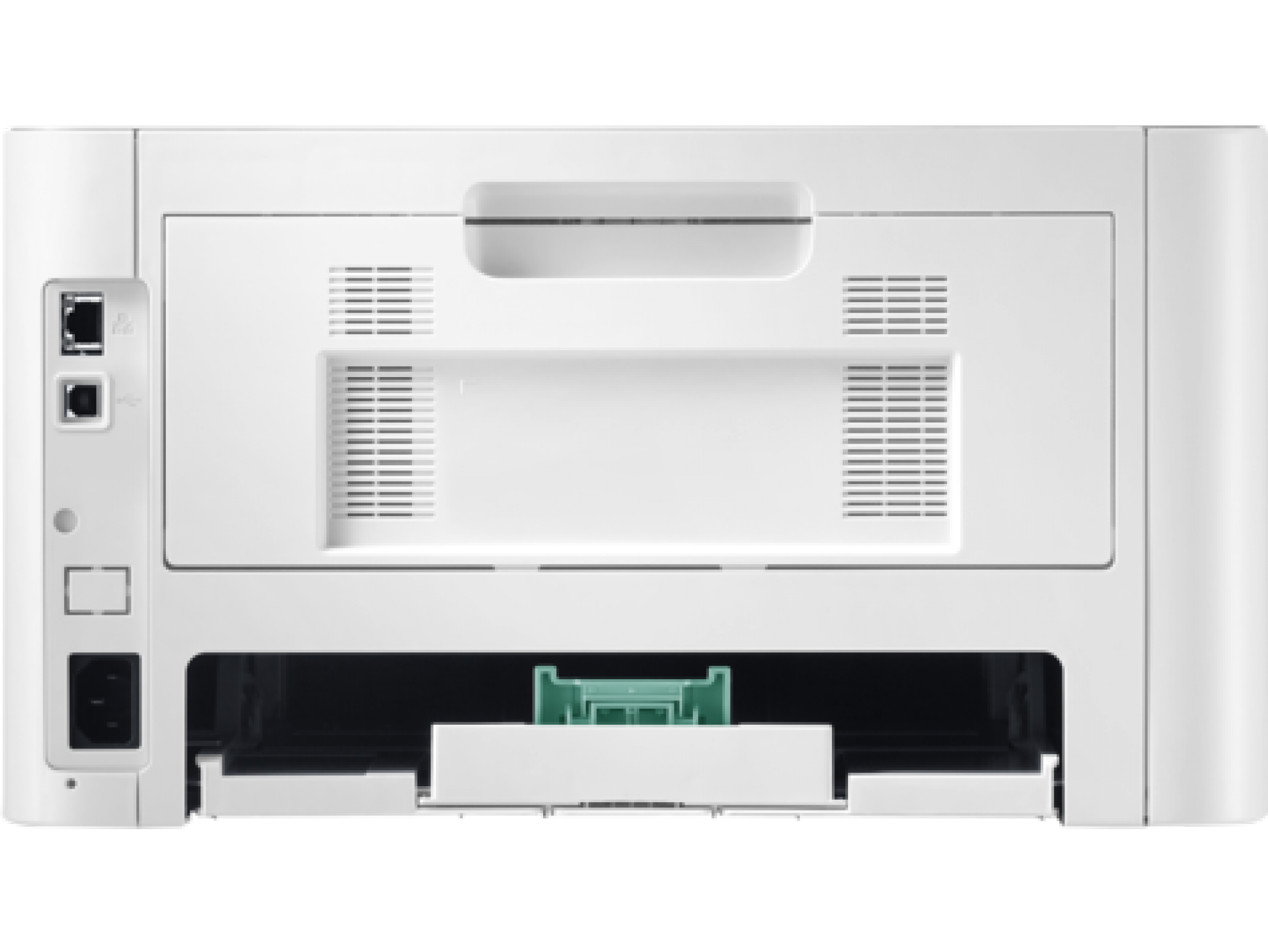
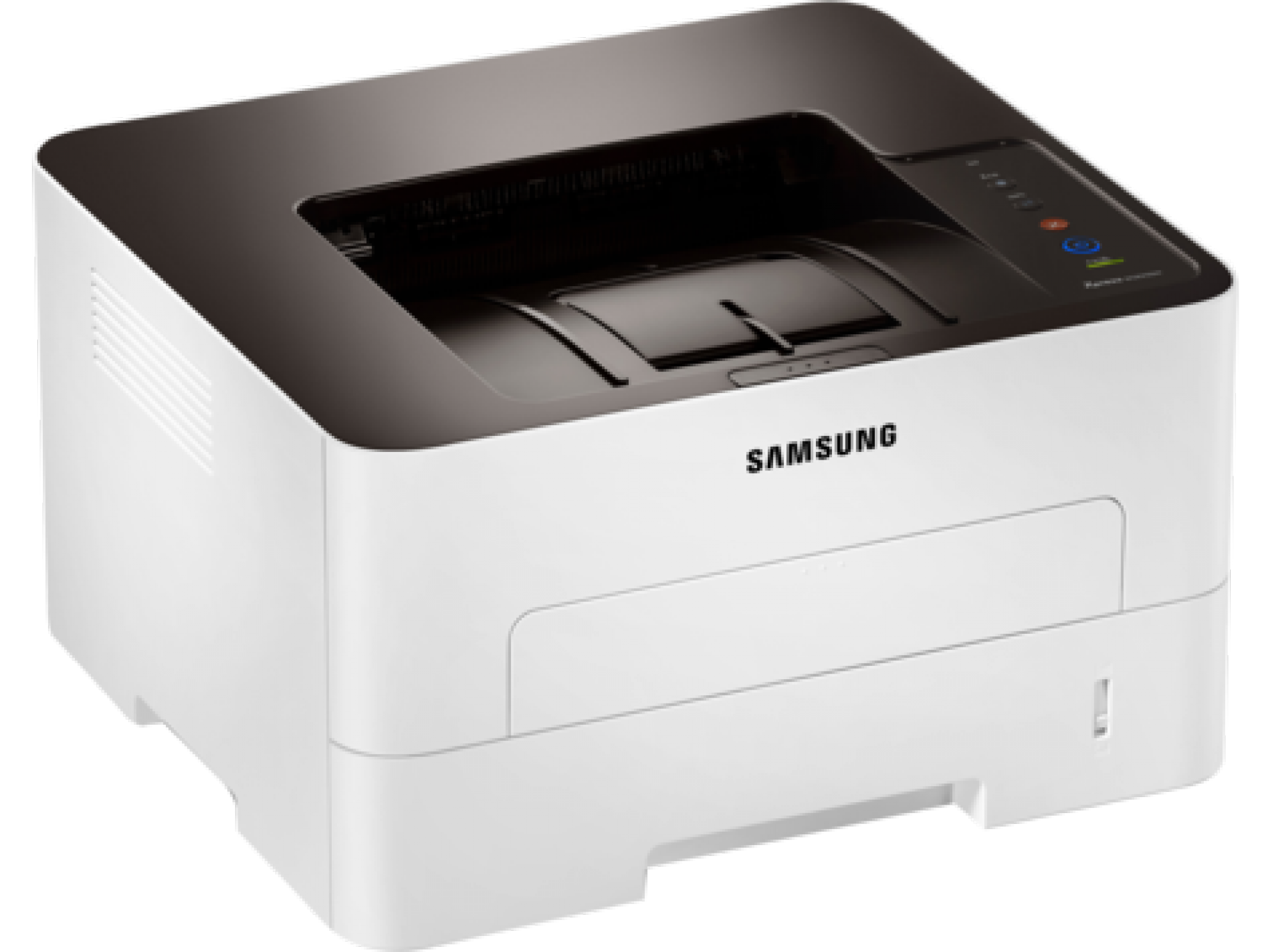
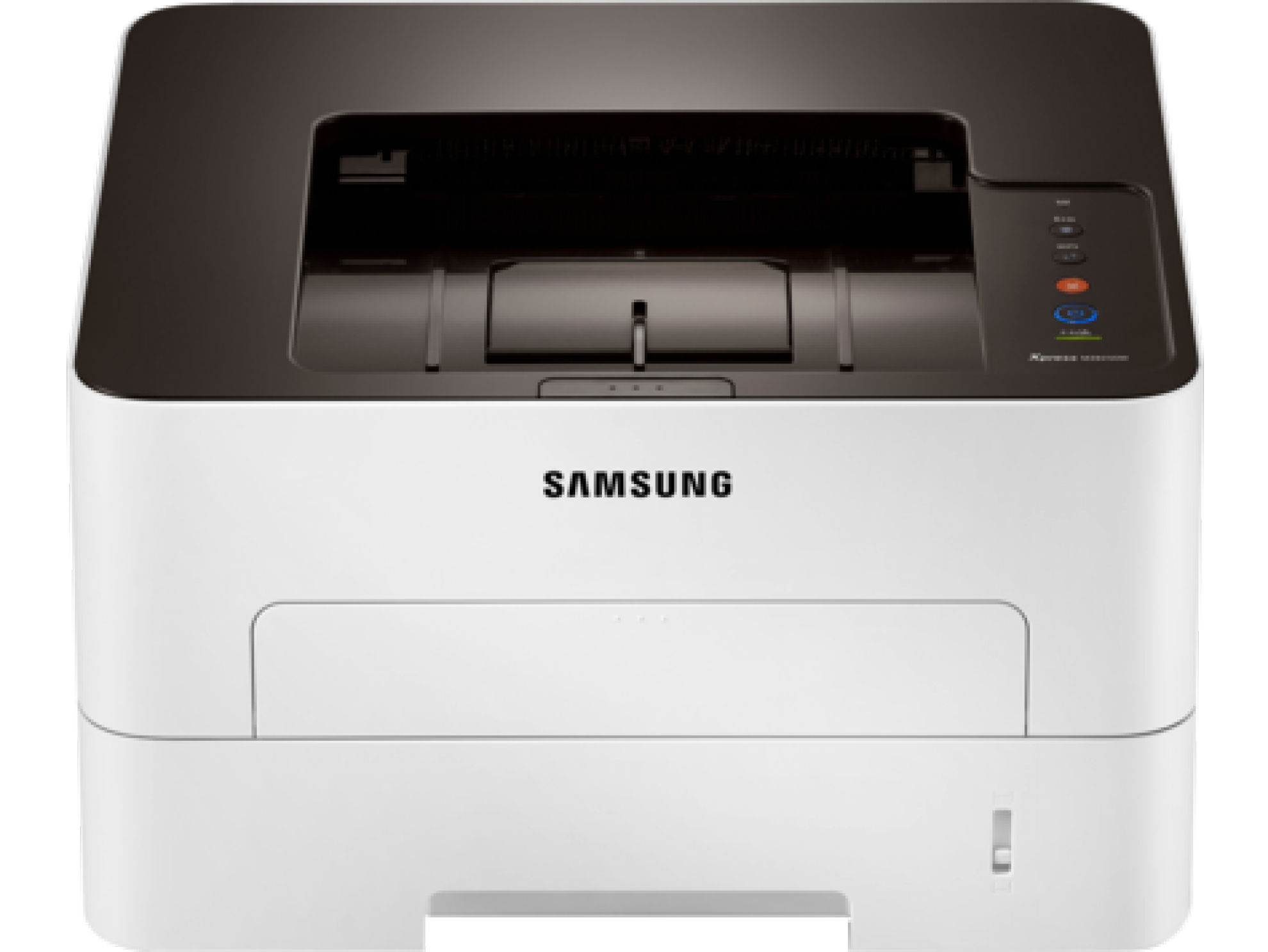
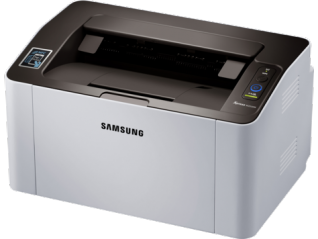
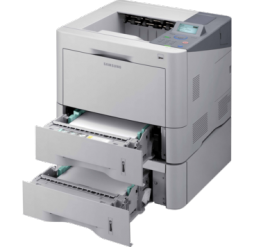
Samsung Xpress M2825DW produces complex, professional-quality documents with increased speed and provides low TCO by avoiding excessive printing costs. Moreover, it will improve productivity and flexibility by reducing difficulty.
High speed printing and image processing
The Xpress M2825DW delivers print speeds of up to 28 ppm in A4. These robust printers are designed to handle large, complex print jobs with Samsung’s advanced 600 MHz Cortex™-A5 core processor and 128 MB memory.
Sharp and professional document quality
ReCP technology improves readability of printed documents by enhancing thin lines and sharpening the edges of negative text. The Xpress M2825DW delivers sharp, solid prints with effective output print resolutions of up to 4,800 x 600 dpi.
Diverse printing choices for professional documents
The Xpress M2825DW is built to handle a wide range of media types. Businesses can produce flyers and other collateral, even on heavier media, such as 220 g/m² cardstock, for professional-looking results.
One-touch Eco button
Businesses can lower toner and paper usage with the one-touch Eco button. The one-touch Eco button automatically activates 2-up printing and duplex printing. Users can also choose the option to skip blank pages in the toner-saving mode.
Easy Eco Driver
Easy Eco Driver can save on toner and reduces energy consumption. Users can further save toner by removing images or text in toner save mode.
Low total cost of ownership
Starter and standard yield toner cartridges can yield 1,200 standard pages; high-yield replacement cartridges can yield 3,000 standard pages. The separate toner cartridge and imaging unit enables either part to be replaced only when necessary.
Easy toner replacement
Toner replacement in the Xpress M2825DW is designed to be quick and easy. Featuring a top-load, slide-out drawer, toner replacement requires as few as four steps to accomplish.
Easy Printer Manager
Monitor toner amounts, order consumables online and maintain the device settings from your computer with Easy Printer Manager. Employees can simply check the status of print jobs from a PC or mobile device.
Samsung Mobile Print app
Samsung Mobile Print app helps employees wirelessly print from their mobile devices. Once users download the Samsung Mobile Print app, the mobile device automatically detects nearby, compatible Samsung Printers for mobile printing.
Google Cloud Print™
Users can also access printers from a Google account using Google Cloud Print™. Various types of documents can be printed or shared. Google Cloud Print works on smartphones, tablets, notebooks, PCs and other web-connected devices.