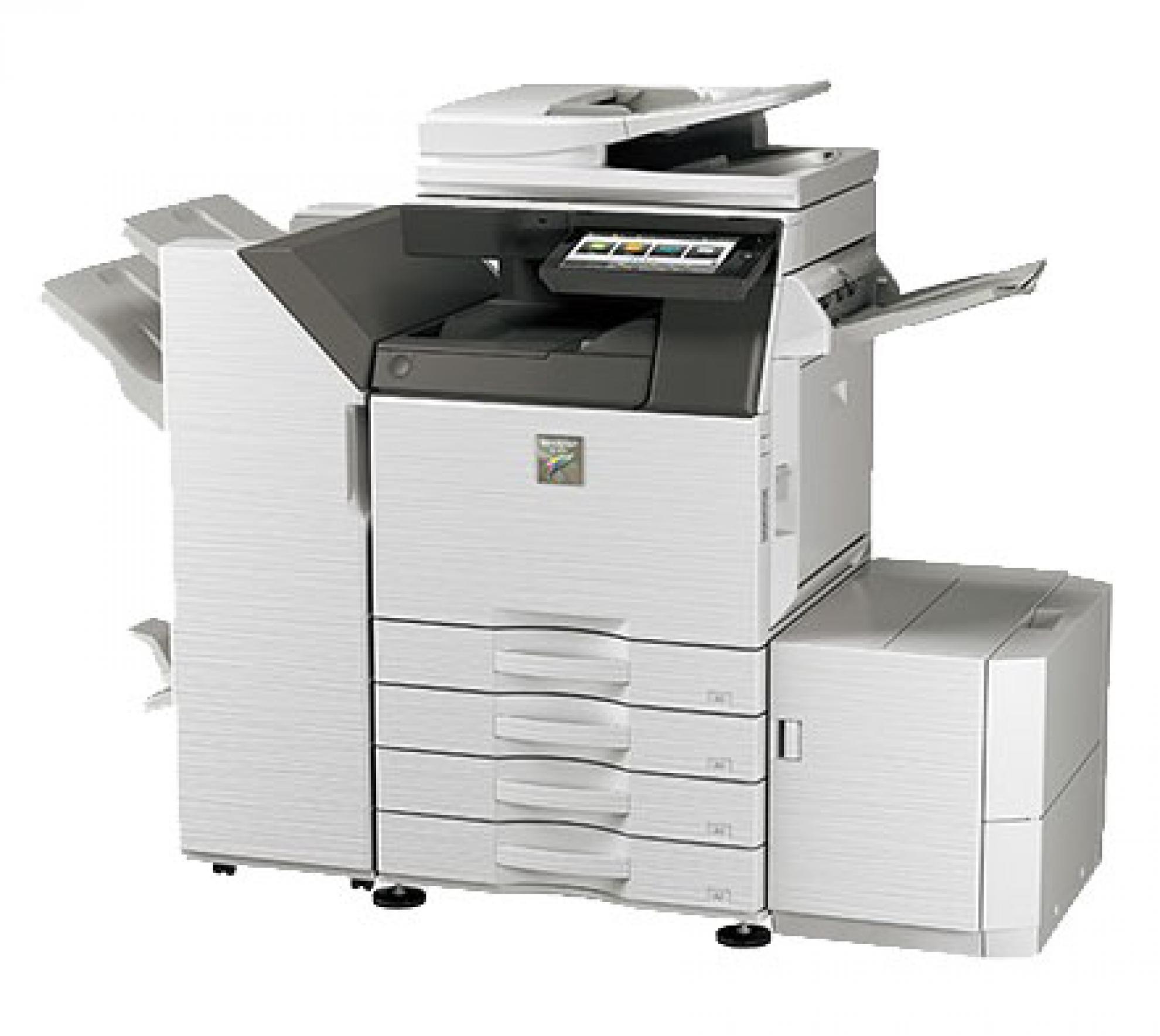
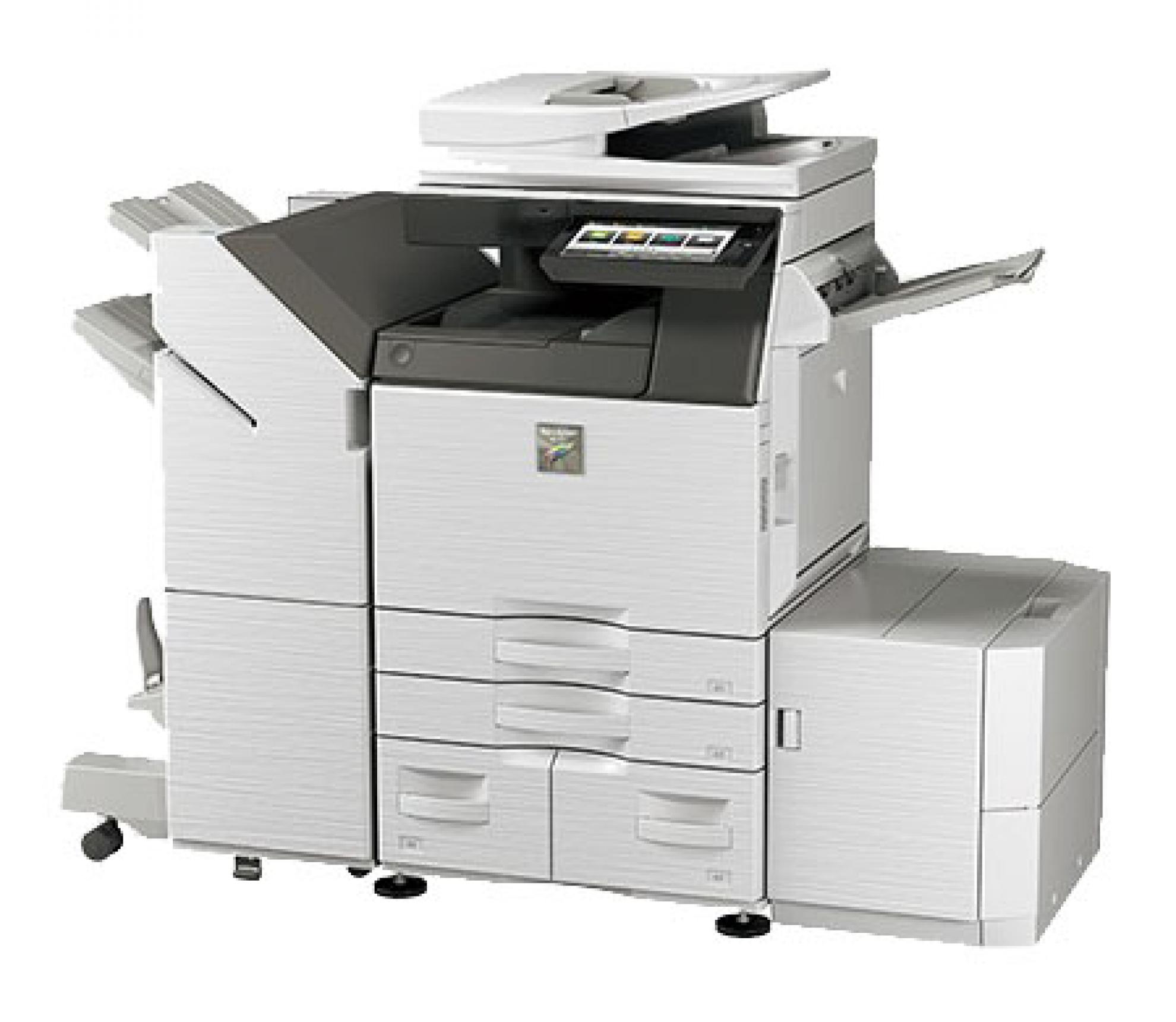
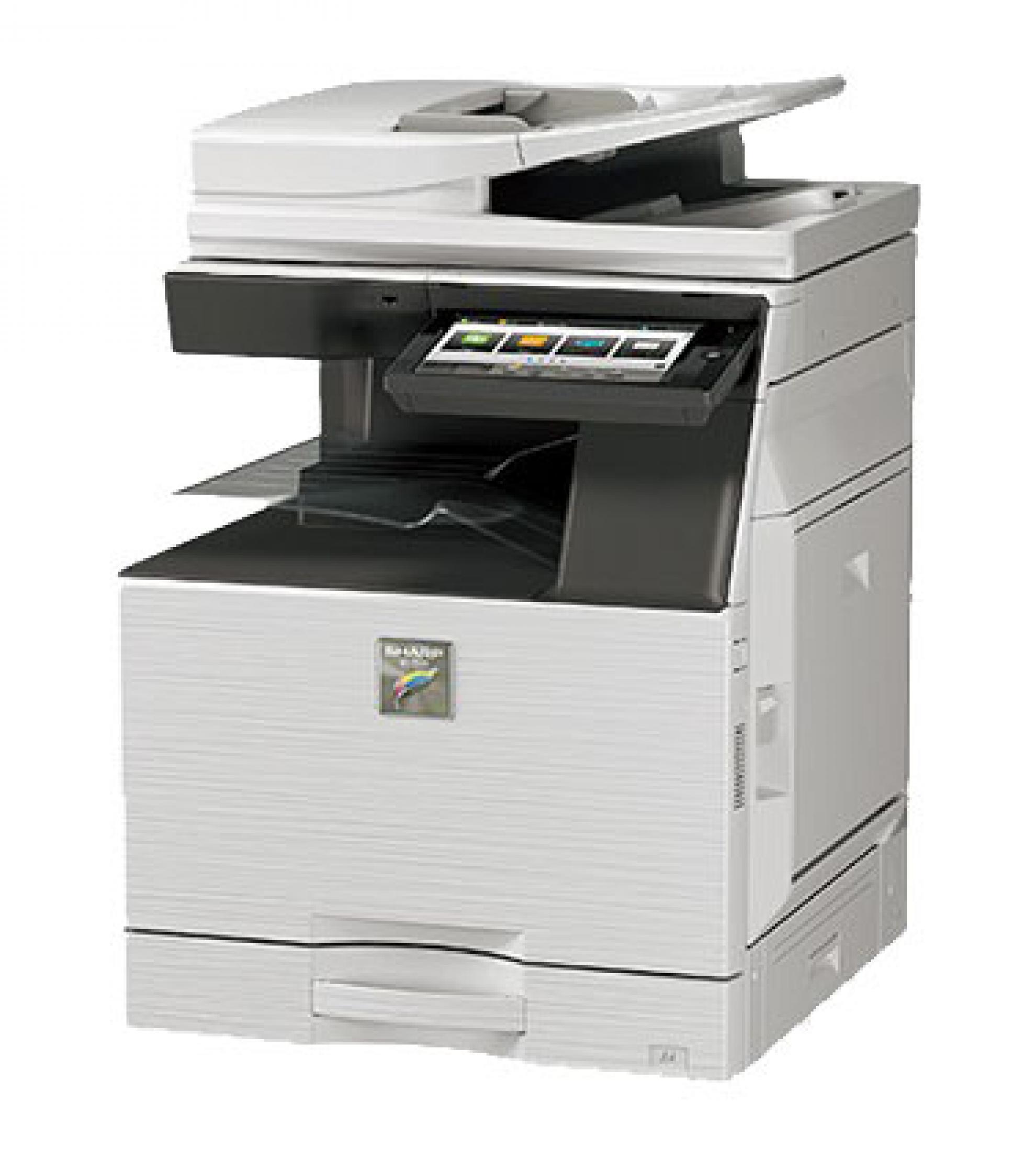
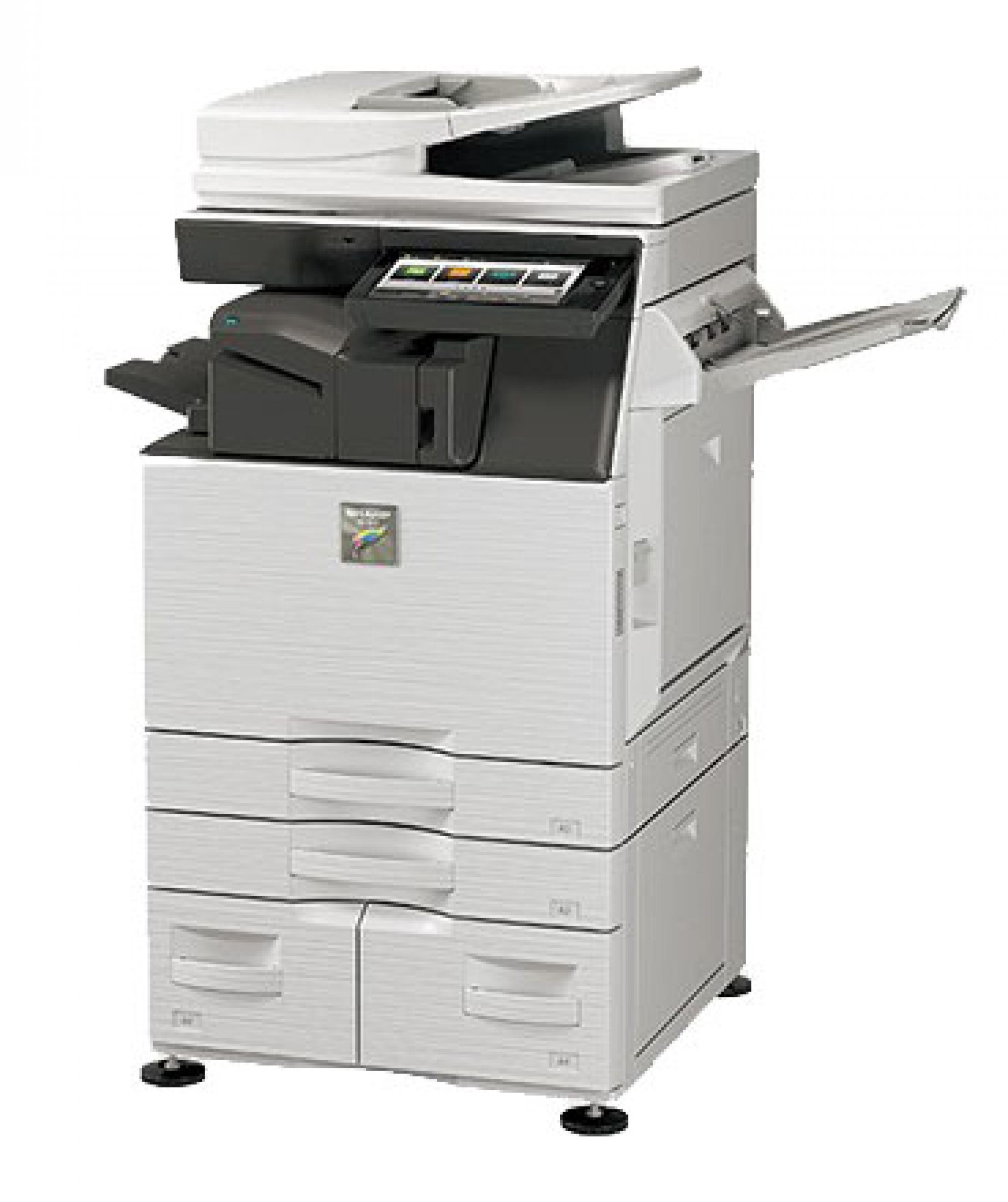
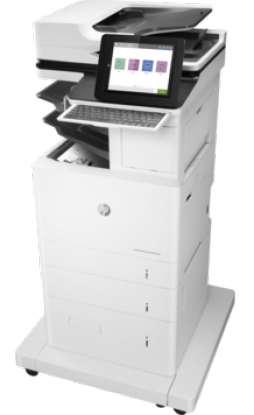
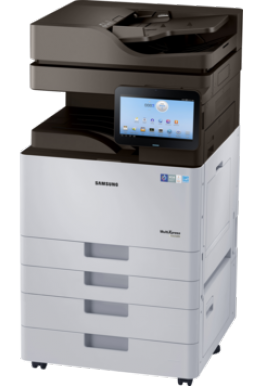
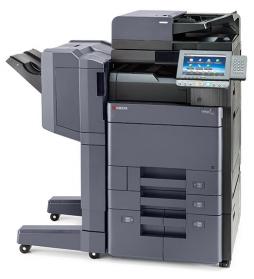
The Next-Generation Colour MFD for Simply Better Business
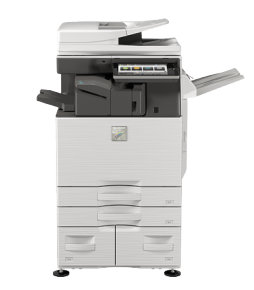
Sharp’s next-generation full-colour MX-3050N MFD is packed with state-of-the-art technologies that add new value to your workflow.
Thanks to the user-friendly design of these MFDs - including a new Easy UI mode—a wide variety of users can access their advanced functions easily and intuitively.
Adding one of these high performers to your talent pool is a great way to make your business grow.
Link to Public Cloud and Mobile Printing Services
This MFD enable single sign-on for easy access to public cloud services such as Google Drive™, OneDrive® for Business, and SharePoint® Online. They also support various mobile printing services such as the Android™ printing framework, Google Cloud Print™, and Mopria™.
Microsoft® Office Direct Printing*
Print common Microsoft® Office files without using a PC. With a MX-3050N, you can print a Word, Excel®, or PowerPoint® file directly from a mobile device, cloud service, USB drive, or file server.
Easy User Interface
The intuitive Easy UI mode makes it easy for anyone to use the MFD’s advanced functions. In this mode, simple function icons are displayed on the 10.1-inch colour LCD touchscreen. Each user can customise the home screen by drag-and-dropping icons for commonly used functions, making for smoother, more efficient operation.
* Requires optional MX-PU10. This function is enabled via DirectOffice™ technology.
Fast Wake Up from Sleep Mode
The MFD recovers quickly from energy-saving Sleep mode. Placing a document in the RSPF or touching the LCD control panel wakes the MFD up in just one second*. This helps to minimise waiting time and get your jobs done faster. * When in Fast Wake Up mode.
Secure Access Control
The MX-3050N supports the Active Directory® service, which lets you use the machine’s log-on credentials for internal network folders. System administrators can easily keep track of user credentials, which makes for an efficient and highly secure operational environment. And with single sign-on, you can access internal network folders by simply logging into the MFD—there’s no need to re-enter your IDs and passwords.
Integrated Device Management
As a system administrator, you can get the most out of a Sharp document system by using Sharp’s efficiency-boosting device management tools. From a single location, you can use Sharp Remote Device Manager* (SRDM) to manage multiple Sharp MFDs. This includes everything from system setup, user access, and security settings to troubleshooting and maintenance. It’s quick. It’s effective. And it takes the hassle out of MFD management.
10.1-Inch Colour LCD Touchscreen
A user-friendly touchscreen interface incorporating a new Easy UI mode makes it easy and intuitive to operate the MFD. The Advanced Preview function, meanwhile, lets you check document finishes and page layout in advance, edit pages easily, and preview documents in various modes.
New Printer Driver with Easy Setup
The printer driver setup window features an improved design that includes larger buttons and drop-down menus, making it easier than ever to use printer functions.
Easy Printing/Scanning with USB Drives
Insert a USB drive into the MFD and a print/scan command screen will automatically pop up on the LCD. Right away you can print files from the USB drive—which are displayed as thumbnails—or you can scan documents directly to the USB drive.
LED Status Lamps
Next to the control panel are two LED lamps: one red, one green. These light up to notify you—even from a distance—of the status of the machine.
Once you ran your scan you can save the results to a ChartList.
By selecting this option you are creating a brand new ChartList that will contain your scan results. On the scan results page in the
“Scan Results” box click the drop-down that says available actions and select “Store these results in a new ChartList”.
A pop-up will appear asking you to name the list. Please name the list and hit OK.