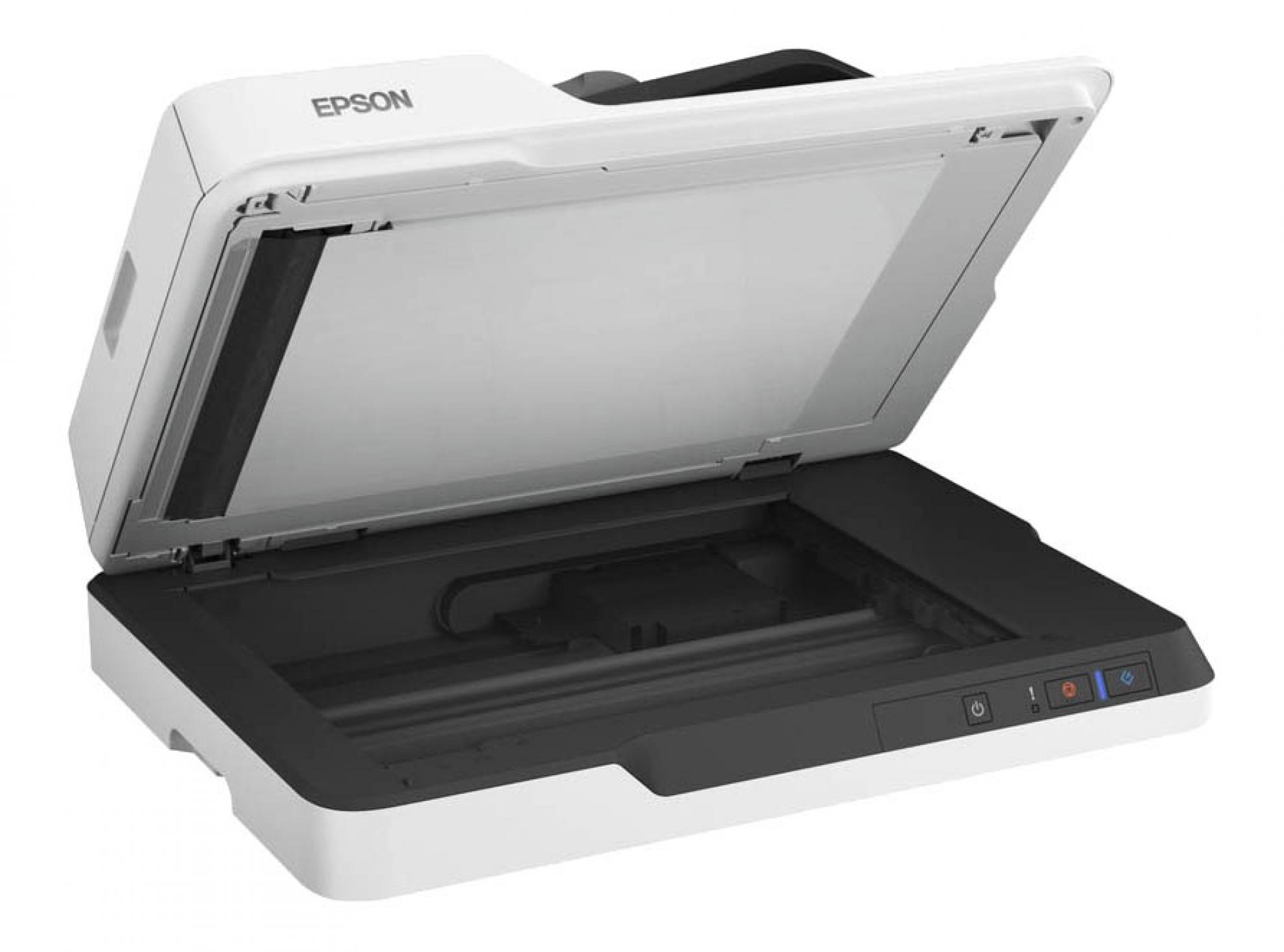
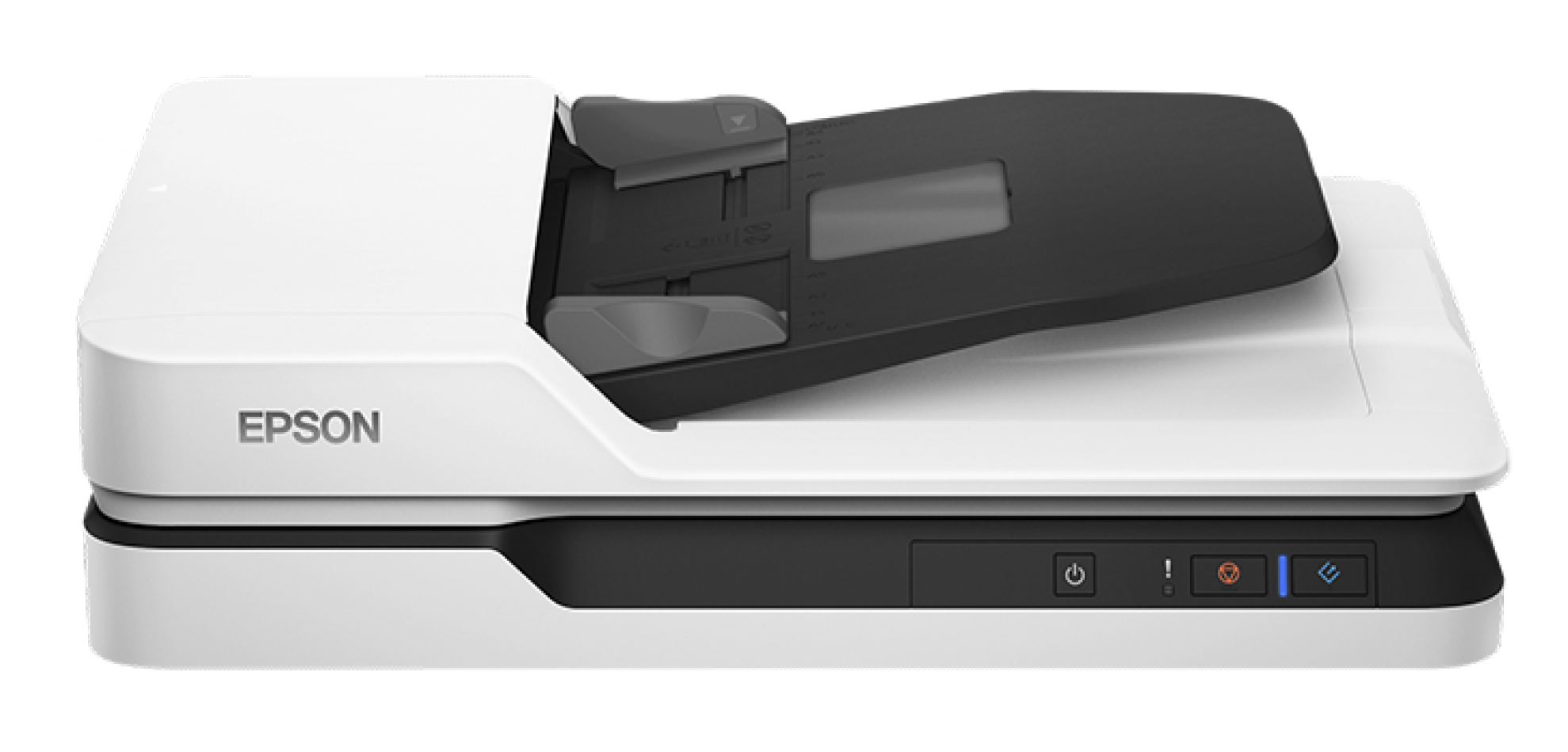
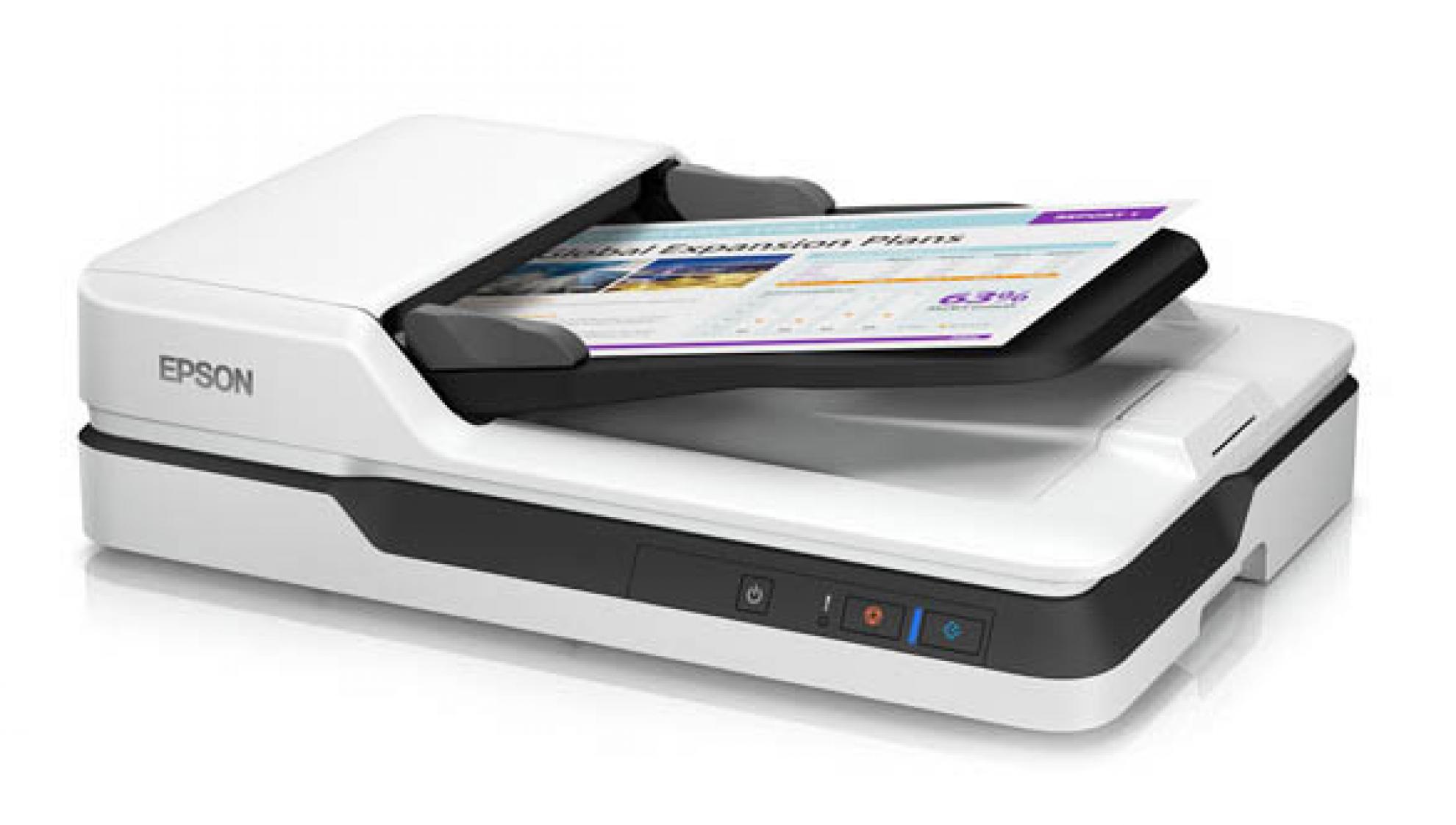
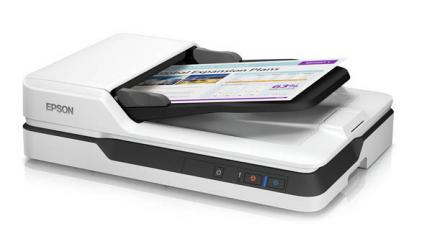
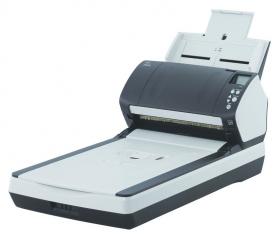
The Epson WorkForce DS-1630 is an A4 business scanner that delivers high quality document scanning. Ideal for small to medium businesses as well as SOHO users who require fast document scanning speeds at an affordable price.
KEY FEATURES & BENEFITS:
- Versatile scanning from a leader in image capturing technology – auto-duplex scanning through the Auto Document Feeder (ADF), plus a flatbed for photo IDs, passports, fragile items and more
- Scan stacks of documents up to 25ppm – the Auto Document Feeder (ADF) has a large 50-page capacity
- Seamless compatibility with document management systems – includes TWAIN and ISIS® drivers for easy integration with existing software
- Scan to online storage accounts – intuitively scan to Dropbox™, SharePoint®, Evernote®, FileBound, Google Drive™ and more
- Organise easily with the included software suite – features Epson Document Capture, ABBYY® FineReader®3 and Presto! BizCard® Reader, for virtually any need
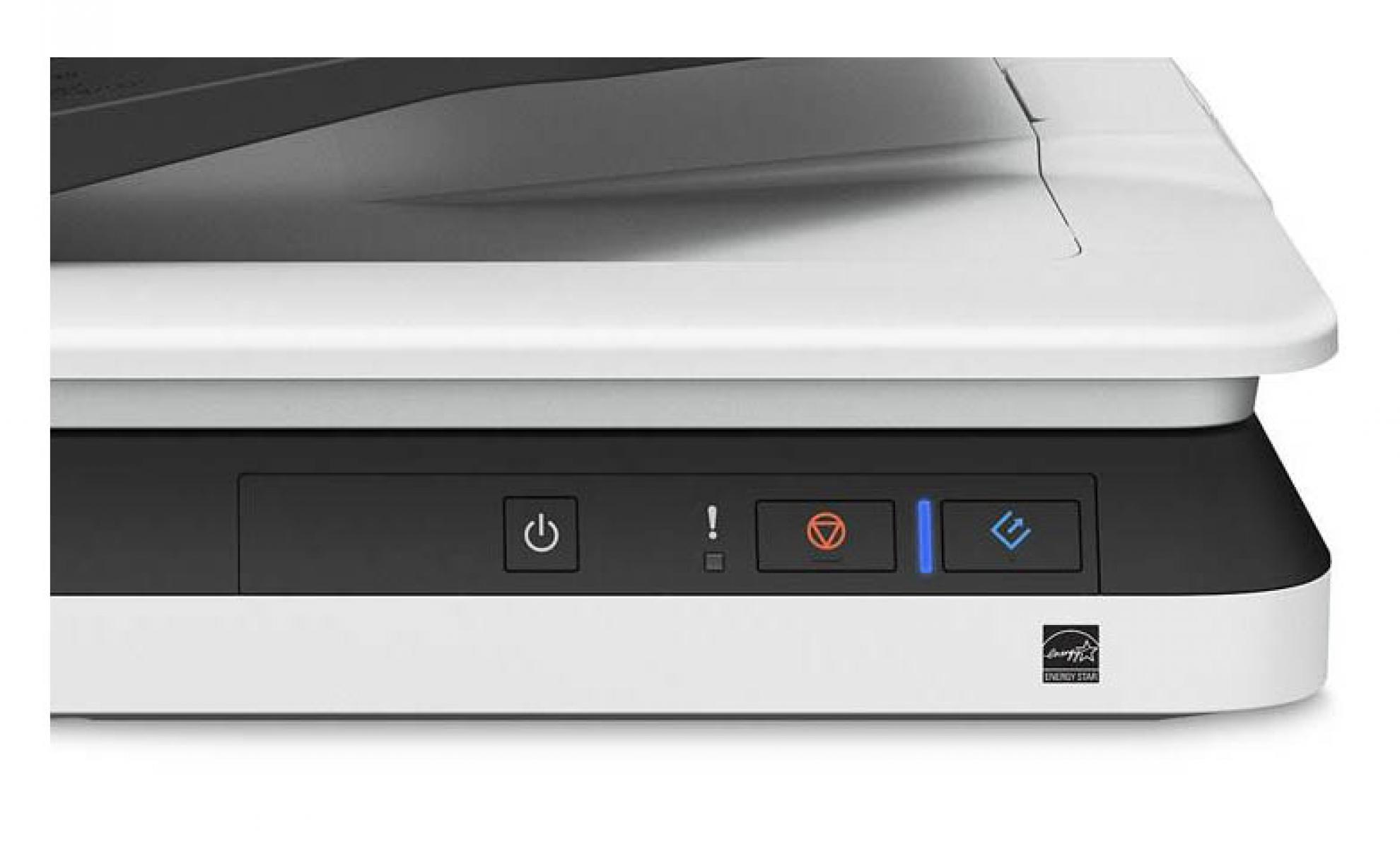
- Streamline your workflow – easy, one-touch scanning to folders, email, on-line storage accounts2 and more
- Scan originals in a variety of sizes – up to 215.9mm x 297.1 on the flatbed and up to 215.9mmm x 355.6mm using the ADF
- Generate searchable and editable files – scan to editable Word and Excel® files3 or searchable PDF files; OCR software included
- Intelligent colour and image adjustments – auto crop, skew correction, blank page and background removal with Epson Image Processing Technology
Automatic Document Feeder
High on the list of the Epson DS-1630's professional document management features is the built-in Automatic Document Feeder (ADF). With a 50-page capacity and the ability to manage paper sizes including A6, A5, B5, Letter, A4 and Legal, the ADF delivers automatic feeding and scanning functionality at speeds of up to 25 pages per minute*.
When used in conjunction with the wide range of document management, conversion and manipulation tools included with Epson Scan 3.4 Software, the DS-1630's ADF affords business users with a comprehensive document management solution.
* Monochrome, 300dpi, A4
Optional Network Adaptor
One single unit can be connected to a network so the unit can be shared by multiple users. The Optional Network Adaptor connects to the scanner and features an RJ-45 Ethernet port for interfacing with the network. From here, the scanner can send scans directly to any computer connected to the same network.
Manage critical documents
Scan to email, an FTP server or any folder on your PC. The WorkForce DS-1630 supports ISIS and TWAIN drivers. And, it includes OCR software for creating searchable PDF's3 or scanning directly to Word and Excel files.
Document Capture Pro
Bundled software includes Document Capture Pro. This industry benchmark software handles a variety of scanning jobs with no hassle, including batch separation, editing and data transfer. It offers many "scan-to" options, such as "scan-to Email", "scan to print" and "scan to cloud". It's versatile functions expand data usability and online document workflow.