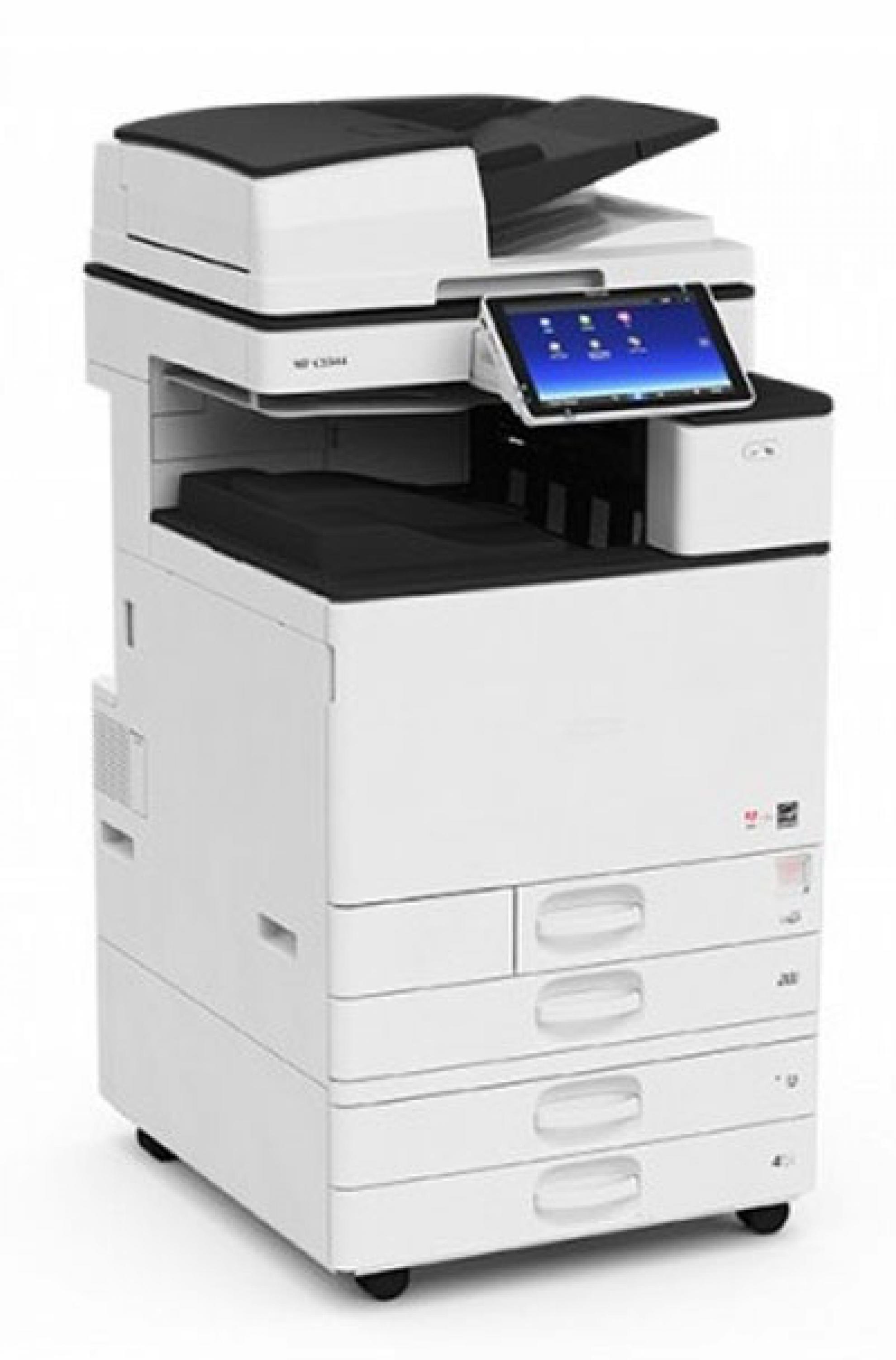
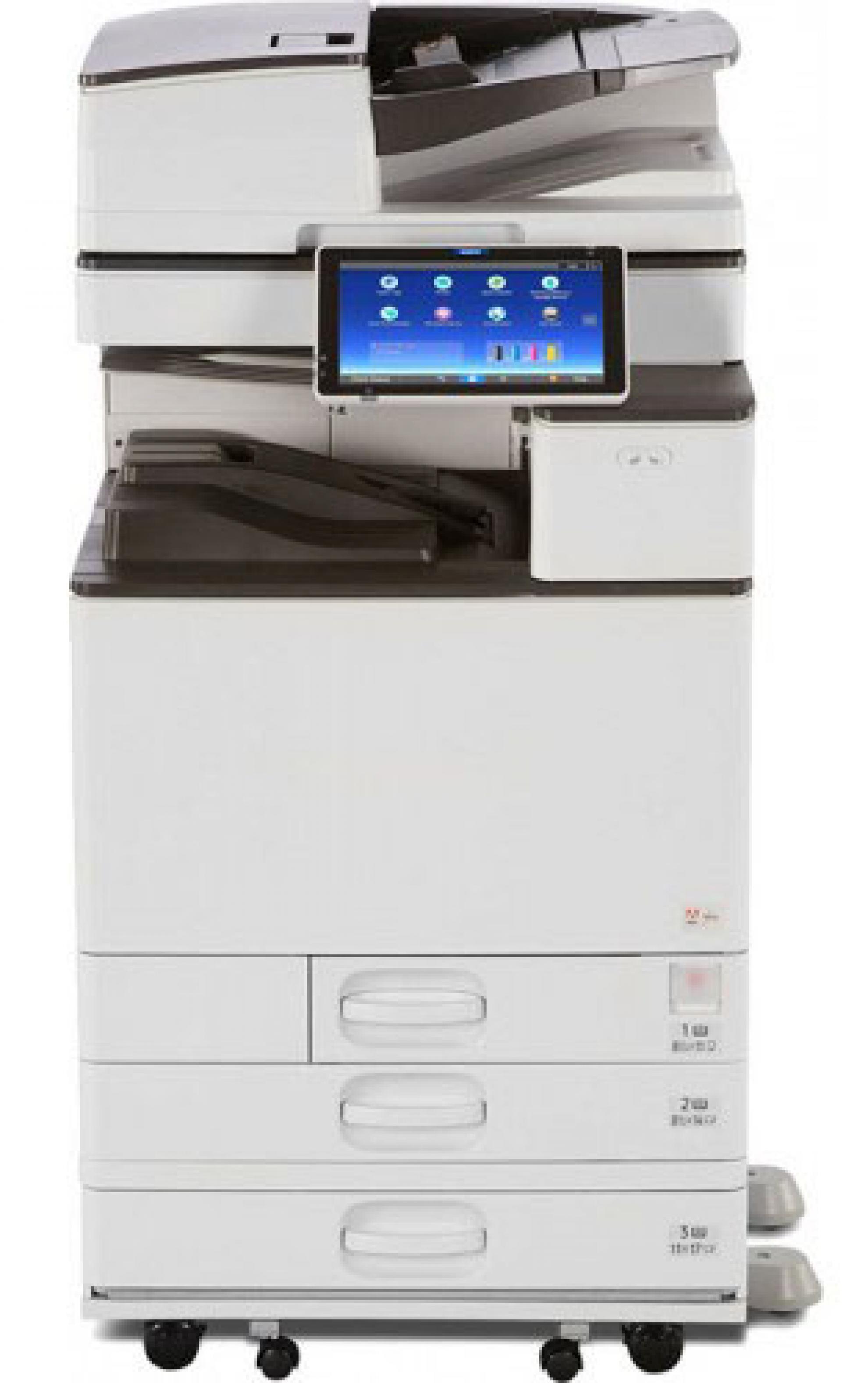
Main Features
Print speed of 25 ppm for both colour and black and white.
Enjoy the flexibility of printing/copying on paper sizes from A6 up to SRA3 on paper weighted from 52 to 300 gsm.
High impact colour printing with 1200 x 1200 dpi resolution.
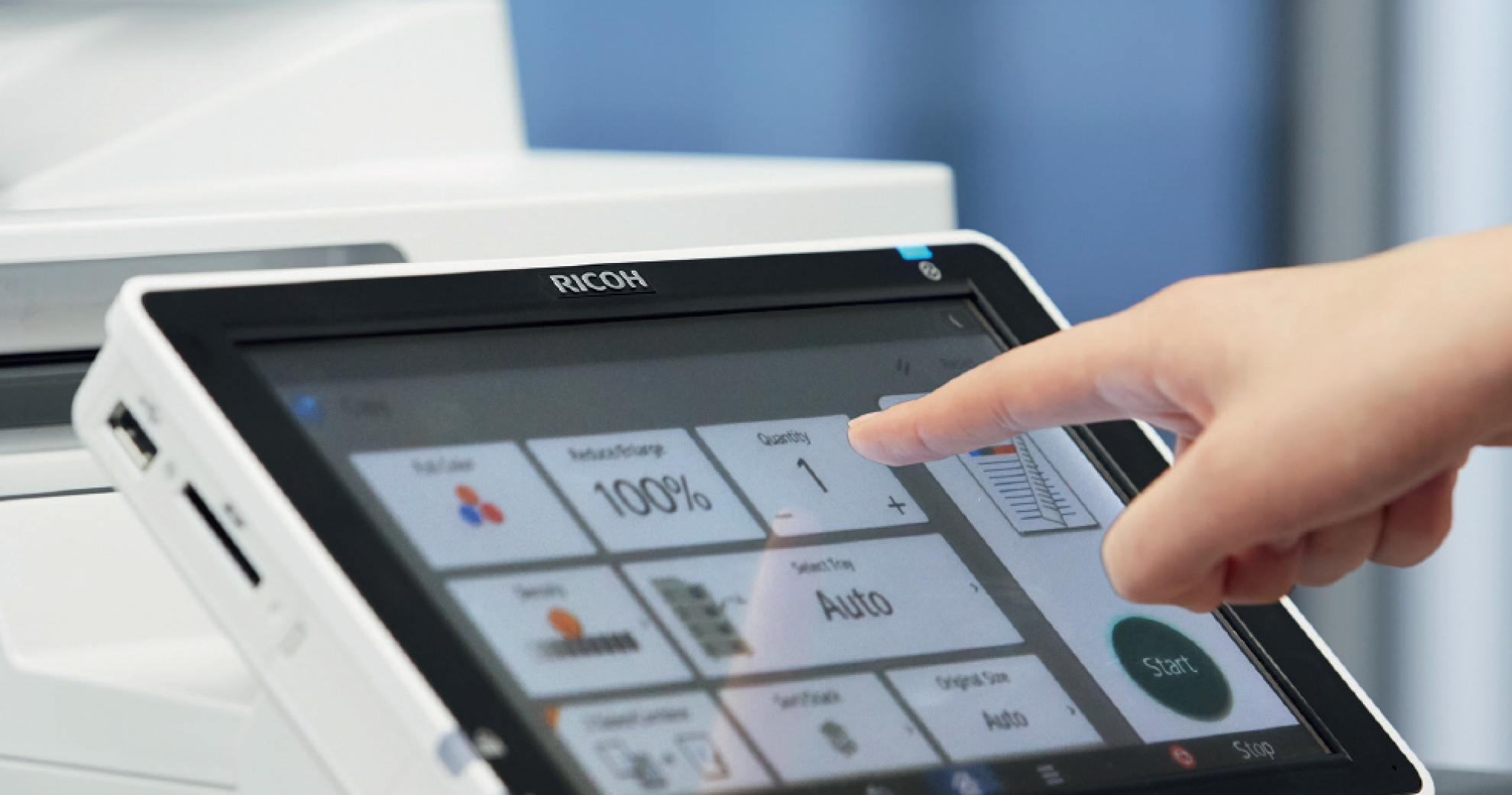
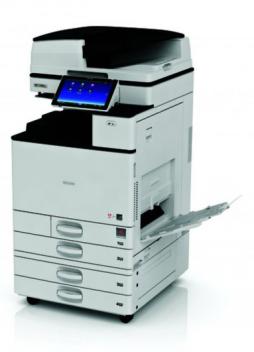
Easy to use and personalise with Ricoh’s innovative 10.1” touchscreen Smart Operational panel featuring document preview.
Warm up time is 25 seconds and first copy times are only 7.5 seconds (full colour).
Optional fax with scanning speed of up to 54 spm – standard and detail mode (A4)
Mobile printing: compatible with Apple AirPrint and Ricoh apps, such as Ricoh Print & Scan and Ricoh Connector.
Features such as an optional handle and a paper feed unit that lowers the total machine height, allows users with physical disabilities such as wheelchairs to easily utilise the device.
Make every task productive
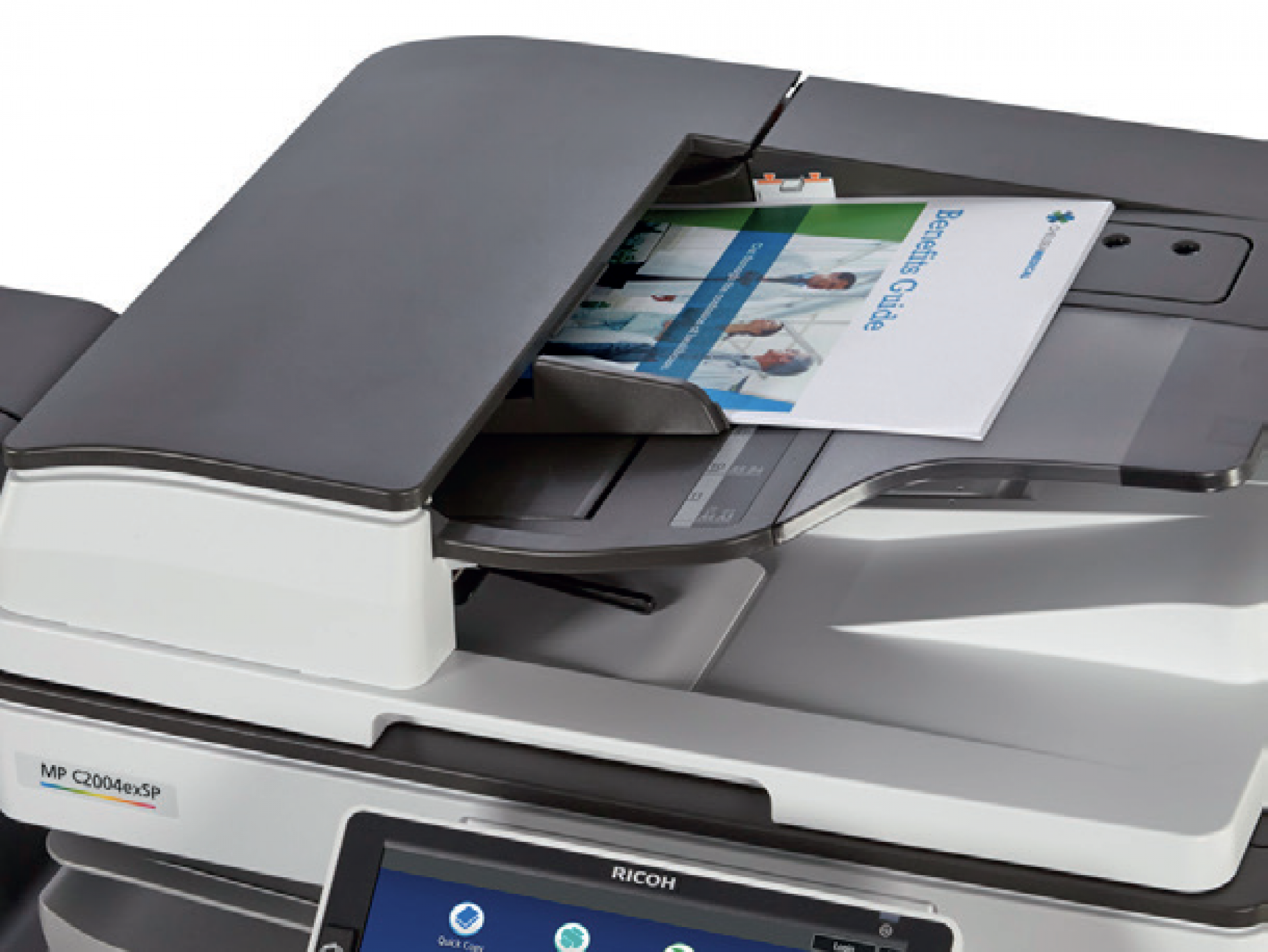
Use the Ricoh MP C2504exSP to print, copy, scan and fax information quickly. Designed with our intuitive Workstyle Innovation Technology, you can access files and information from the server, cloud or your personal mobile device and send them anywhere in moments with a wide range of convenient Scan-to capabilities. Or scan two-sided hardcopy documents at 180 images per minute (ipm) from the Single Pass Document Feeder (SPDF). For printing with fewer delays, you can store up to 3,000 files on the integrated document server and add optional trays to extend paper capacity to 1,625 sheets.
Make your point with colour
Impress your audience with 1200 dpi resolution and precise reproduction on brochures, presentations and other documents up to SRA3 and on thicker stocks up to 300 gsm. Recreate professional-grade RGB, CMYK and PANTONE® colours with the new optional Fiery® Controller. You can even use the MFP to create larger poster-size banners — without investing in a wide-format printer.
Be smart, simplify
Choose the way you want to work with the 10.1” Wide Super VGA Smart Operation Panel, using the same pinch-and-flick, drag-and-drop and swipe scrolling control found on today’s smartphones and tablets. Choose from multiple user interfaces, information-rich widgets and more — all designed to reduce repetitive manual steps. You can even add optional software applications to simplify your more complex workflows. The all-digital user interface offers straightforward, intuitive navigation so you can tap into more details and check and change settings instantly.
Go your own way
Create shortcuts for the tasks you perform regularly. For example, ID Card Copy copies the front and back sides onto one side of a sheet of paper, saving you time. For more workflow apps, just download them from the Ricoh Application Site and put them directly on the Home Screen for immediate access.
Choose how you finish
Choose from a wide range of automated finishers to match your unique paper handling requirements. Use the Hybrid Stapleless + Stapler Finisher to automate production on both smaller jobs without staples and larger jobs with staples, and meet even the fastest turnaround times using less labour and fewer supplies.
Go, go, go. Work, work, work.
You can send jobs to the Ricoh MP C2504exSP directly from your mobile device without investing in extra utilities, drivers and software. Download the RICOH Smart Device Connector app to grab digital files from the cloud or addresses from your personal contact list, and send them from the MFP to any destination at any time.
Track your progress
With user authentication, every user has to log on via personal passcode or billing code. Embedded Near Field Communication (NFC) capability also allows users to log in with a proximity card when you add an optional NFC Card Reader. Deploy optional third-party accounting software for chargebacks or optional device management software to track everything remotely with automated alerts and monitoring updates.
Conserve energy the easy way
Program the Ricoh MP C2504exSP to be ready when you are. Schedule it to power on or off to match workday hours. An innovative motion detection sensor wakes the MFP from sleep mode, so it’s available by the time you reach the device. Take advantage of exceptional Typical Electricity Consumption (TEC) as low as 0.9kWh — as well ENERGY STAR™ certification — to reduce your energy costs.